What is SafetyPress?
+
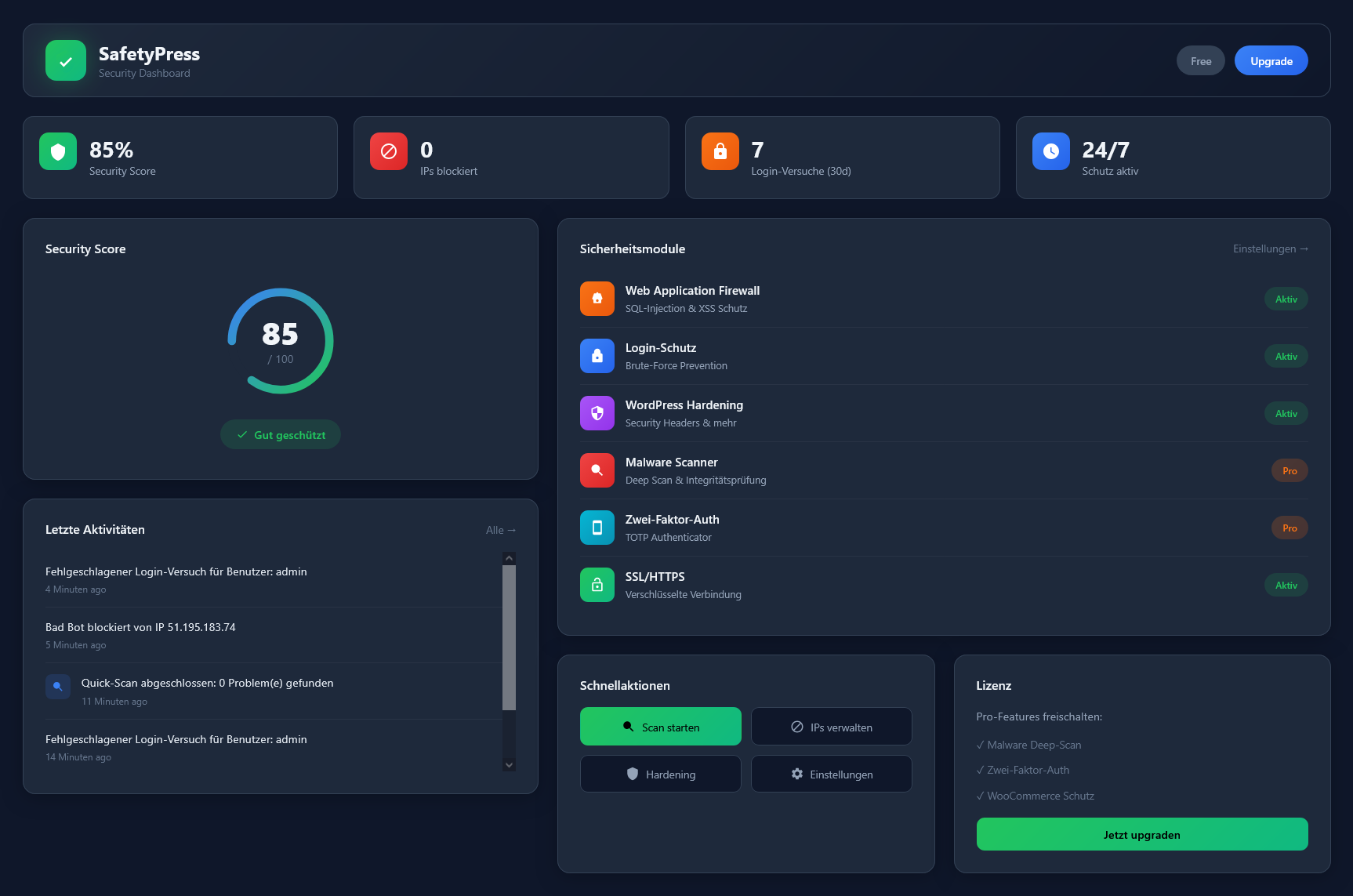
SafetyPress is a comprehensive WordPress security plugin that protects your website against hackers, malware, brute-force attacks, and other threats. It includes an enterprise-grade firewall with 12+ protection modules, malware scanner, two-factor authentication, and WooCommerce fraud protection.
What is the difference between Free and Pro?
+
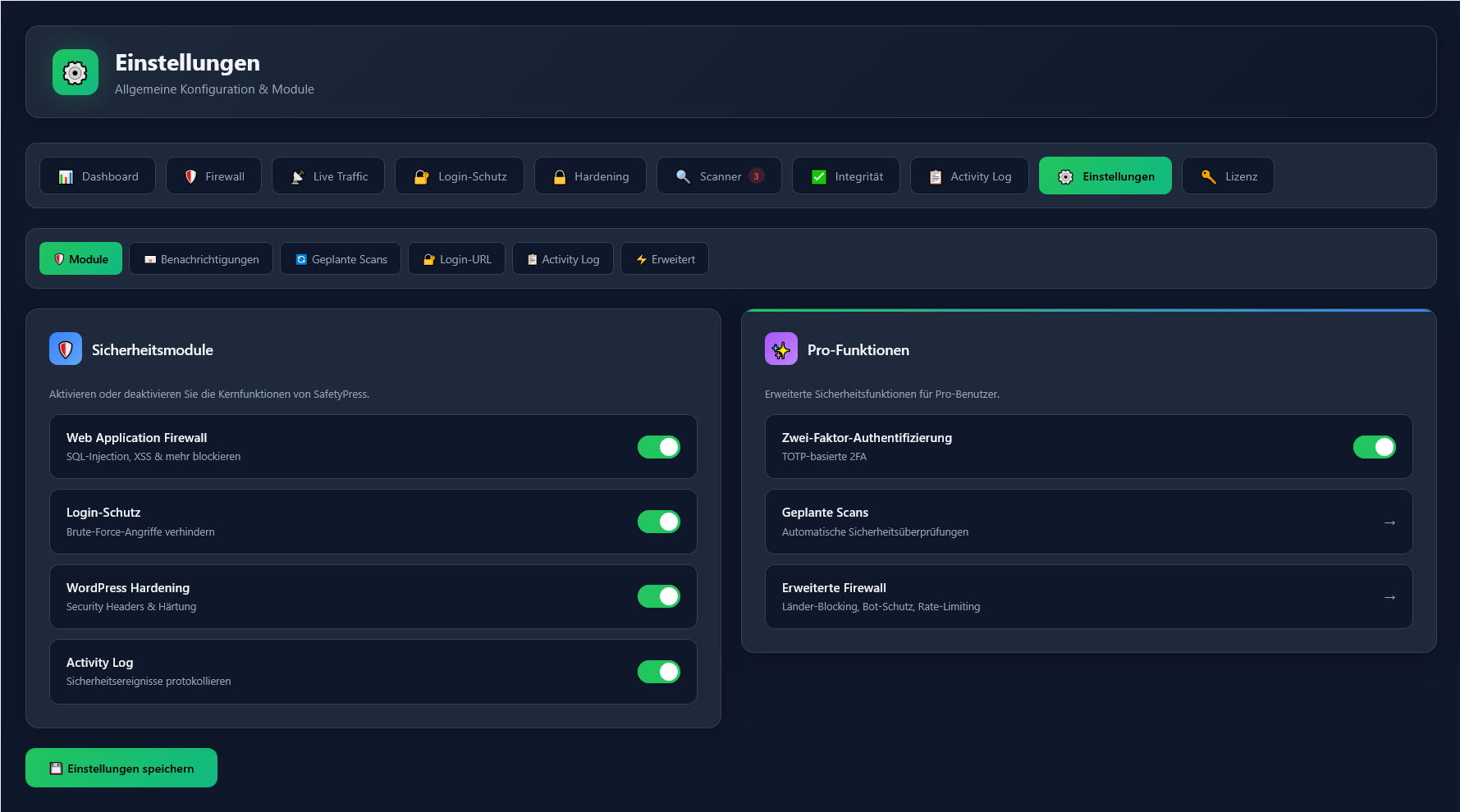
The free version includes basic firewall (SQL/XSS protection), login protection, WordPress hardening, security headers, activity log, and email notifications. Pro adds the enterprise firewall with 12+ modules (geo-blocking, rate limiting, bot control), malware deep scan, core integrity check with auto-repair, 2FA, custom login URL, scheduled scans, Live Traffic Monitor, File Guard, Full WAF Mode, and WooCommerce fraud protection.
Does SafetyPress work with my theme and plugins?
+
Yes! SafetyPress is compatible with all common WordPress themes and plugins. We regularly test with popular page builders like Elementor, Divi, Beaver Builder, and Gutenberg as well as WooCommerce, WPML, and other major plugins.
Will SafetyPress slow down my website?
+
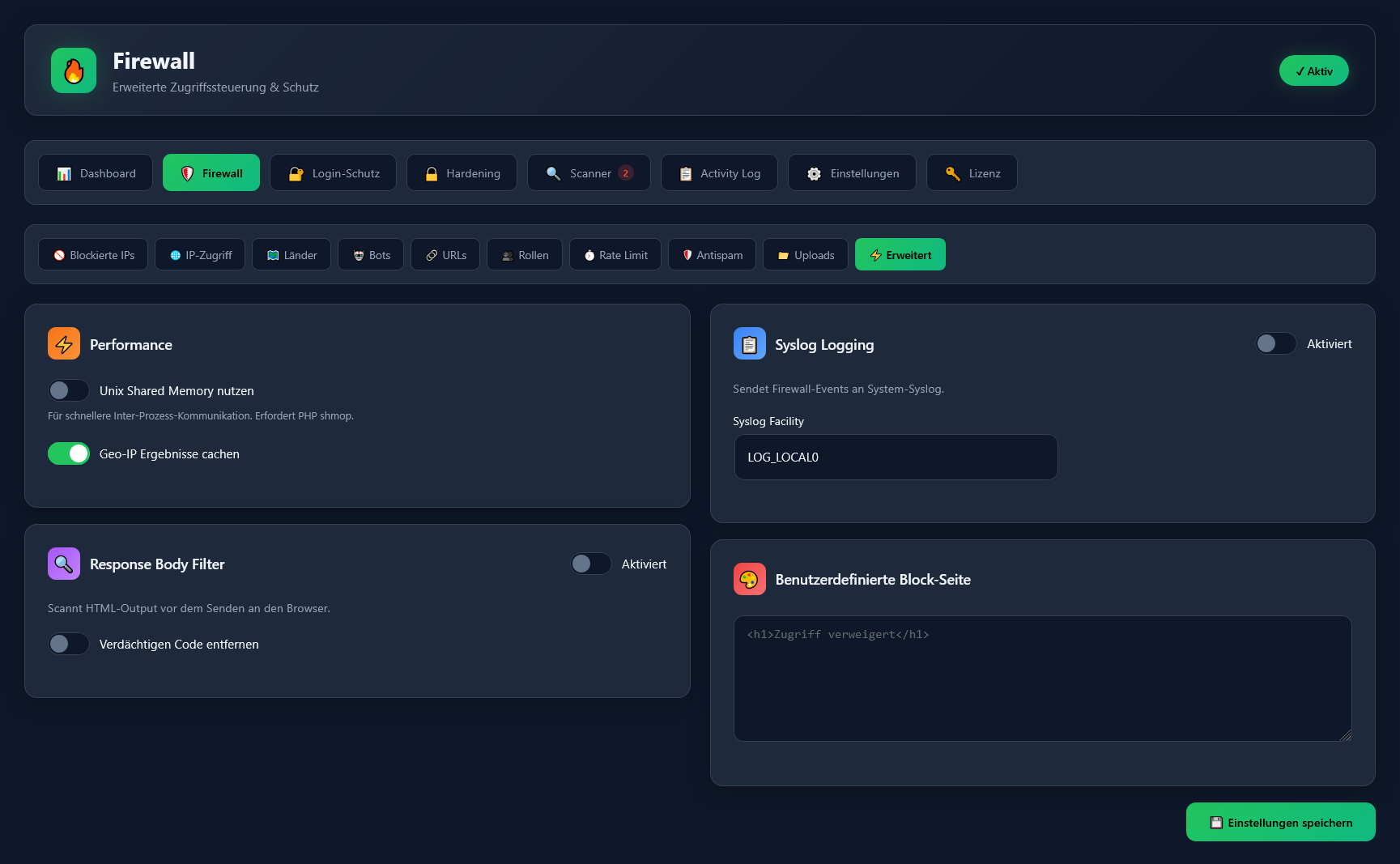
No. SafetyPress is optimized for performance and uses Unix shared memory for lightning-fast firewall checks. Geo-IP results are cached to minimize lookups. The plugin has no measurable impact on page load time.
What is the Enterprise Firewall?
+
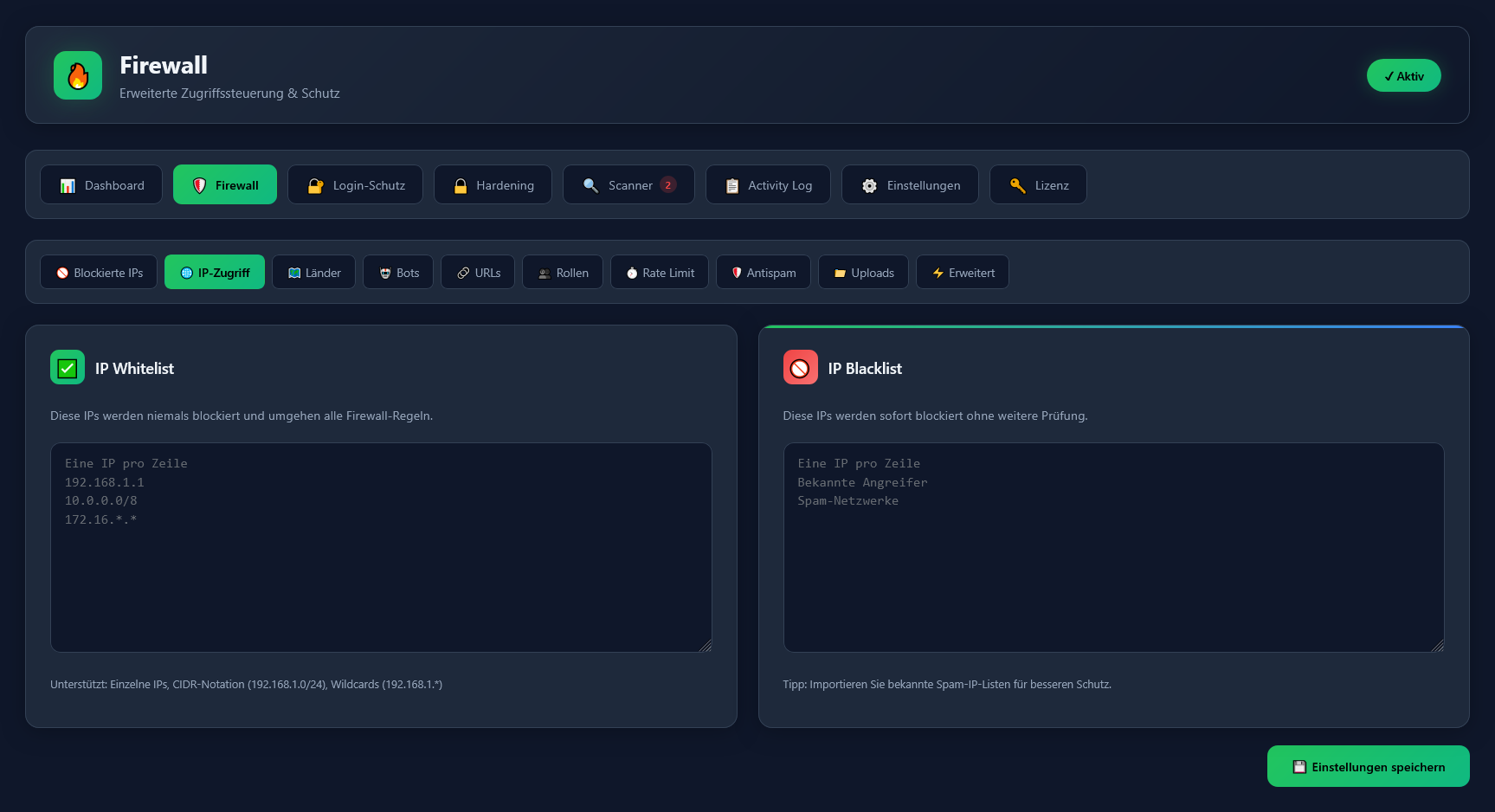
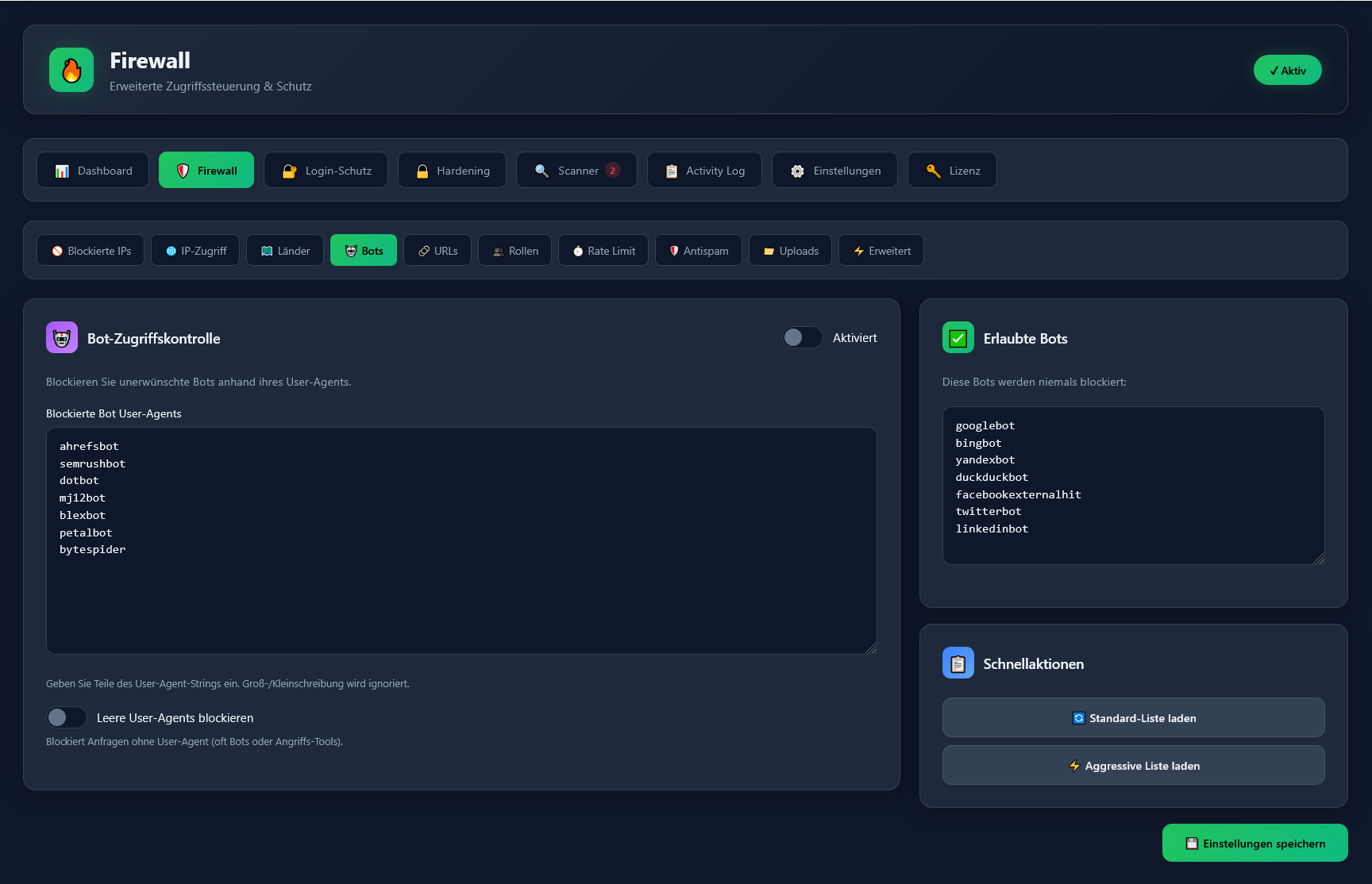
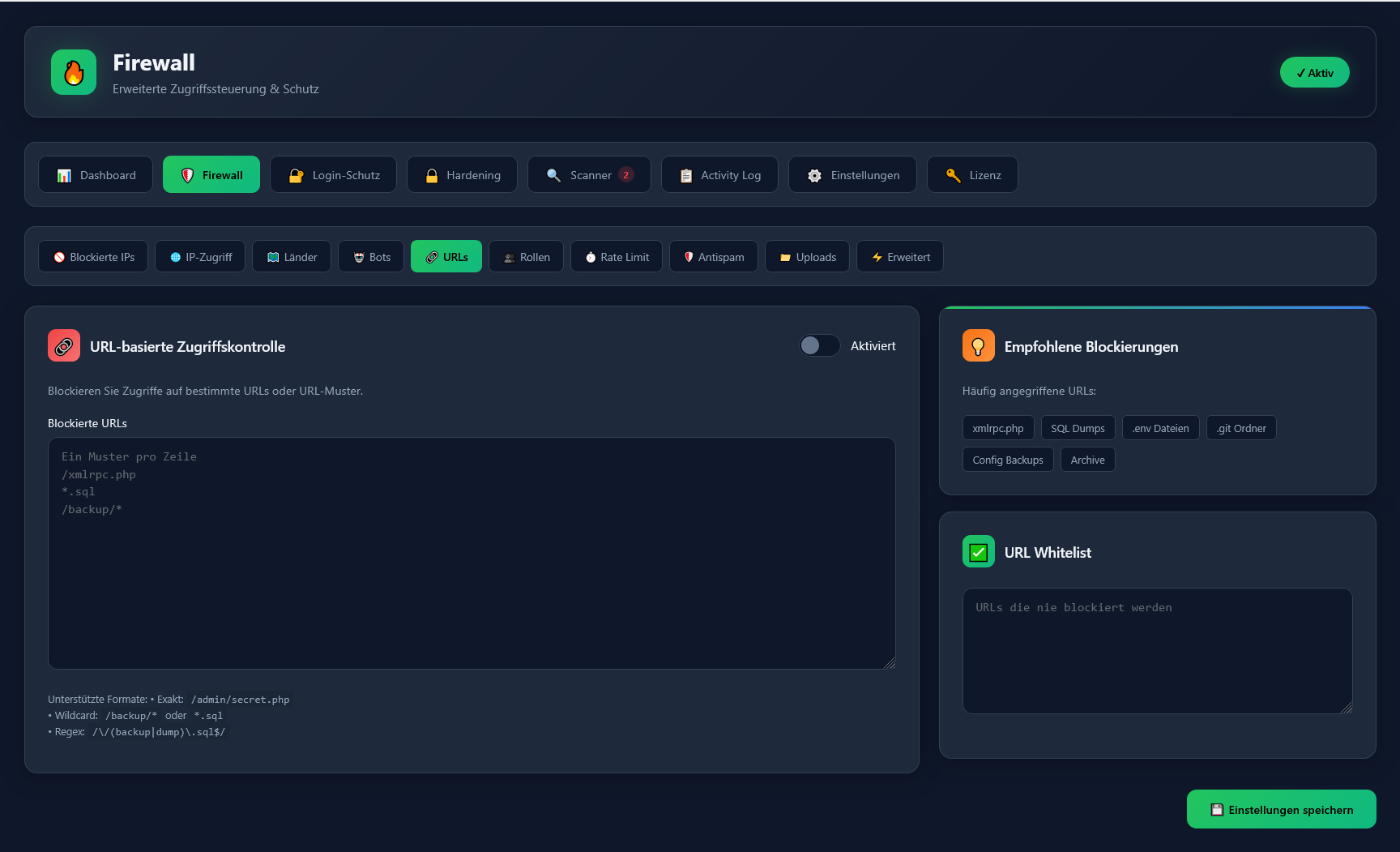
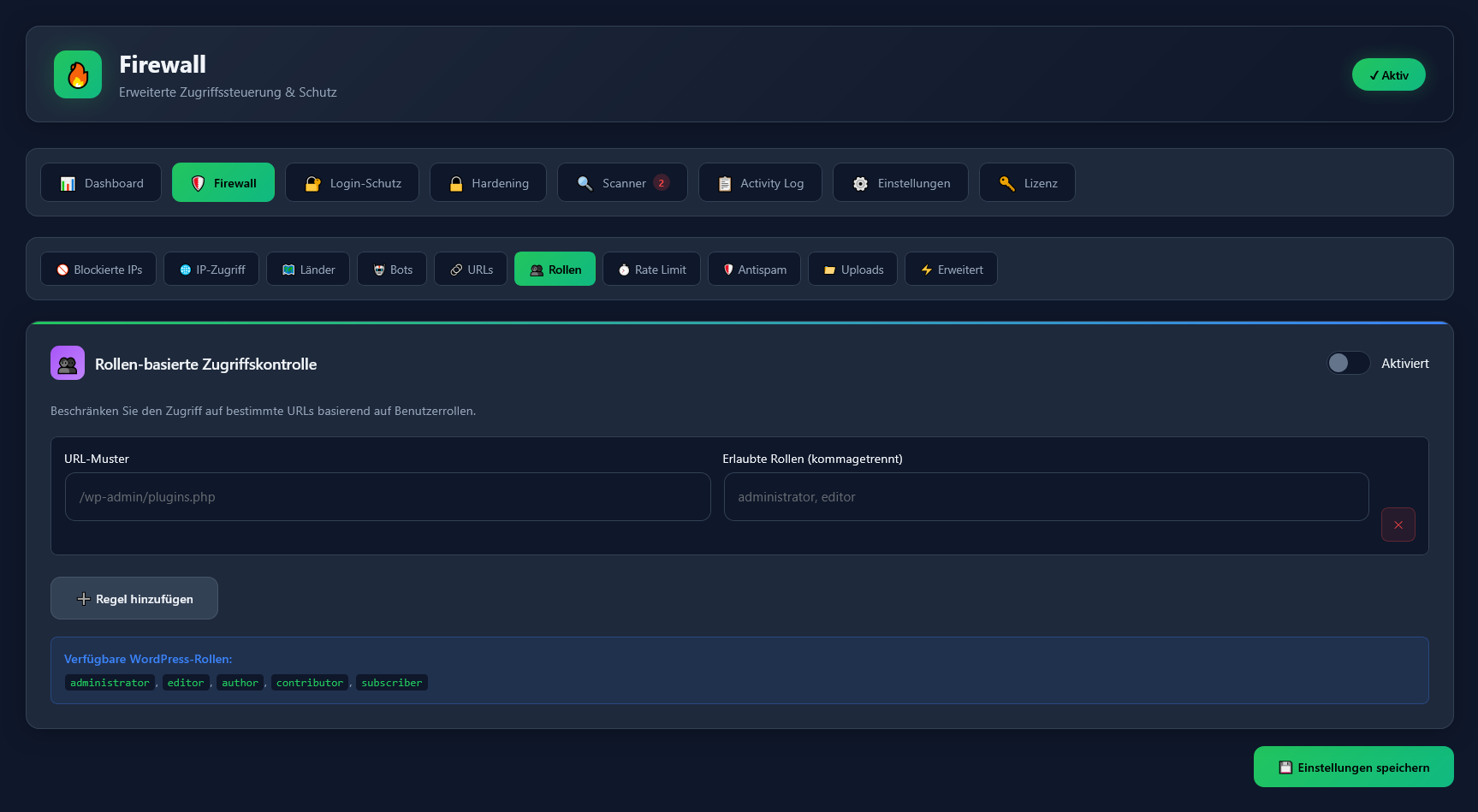
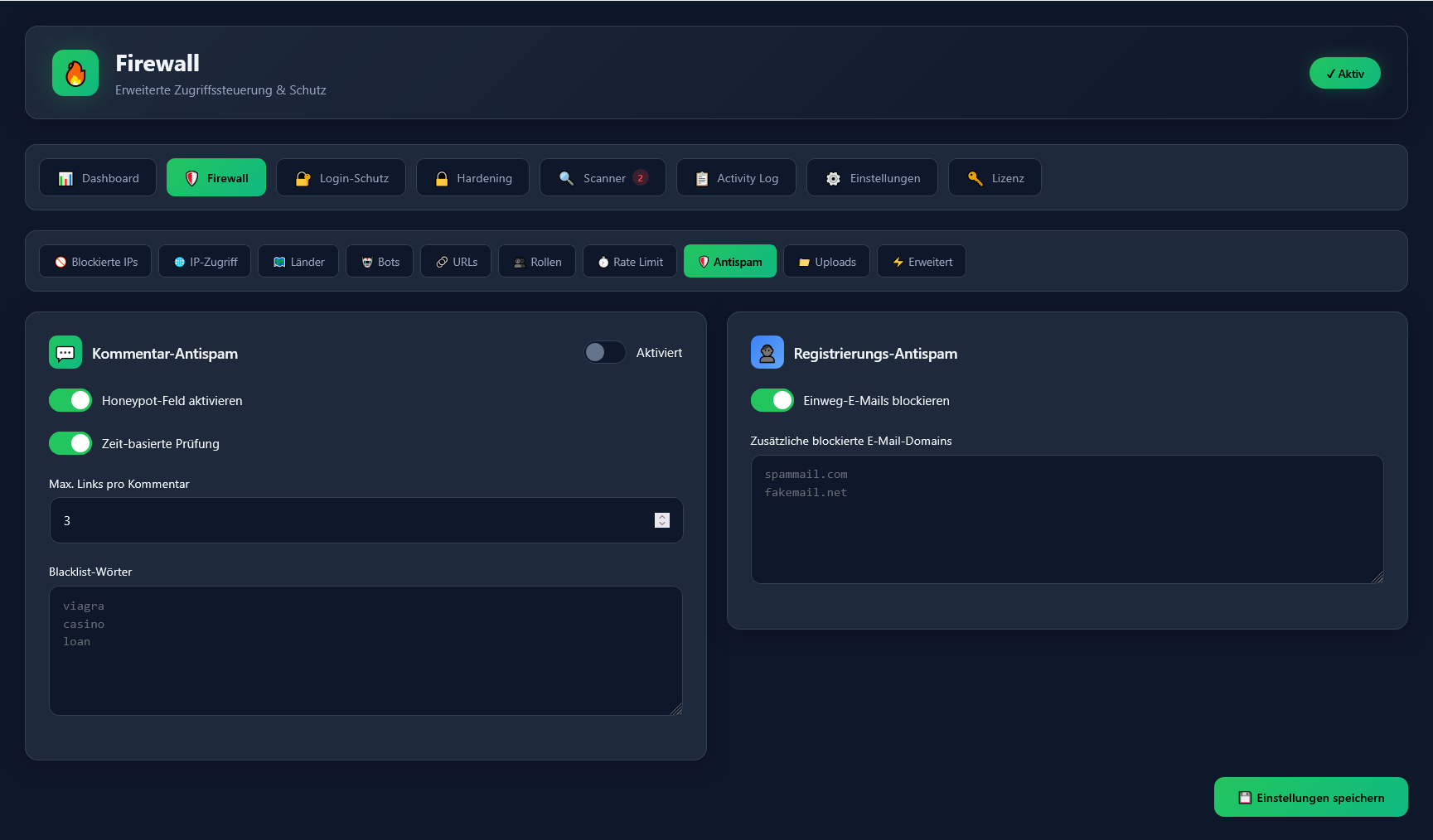
The Enterprise Firewall is SafetyPress Pro's advanced protection system with 12+ modules: IP access control (whitelist/blacklist), country blocking (Geo-IP) for 70+ countries, bot access control, URL-based blocking, role-based access control, rate limiting, antispam protection, upload security, response body filter, File Guard, syslog integration, and Full WAF Mode.
What is Full WAF Mode?
+
In Full WAF Mode, the firewall loads BEFORE WordPress via PHP's auto_prepend_file directive. This provides maximum protection because threats are blocked before any WordPress or plugin code executes — even compromised plugins cannot bypass the firewall.
Does SafetyPress protect against SQL injection and XSS?
+
Yes, SafetyPress includes comprehensive SQL injection and Cross-Site Scripting (XSS) protection in both the free and Pro versions. The firewall analyzes all incoming requests and blocks malicious queries and JavaScript injection attempts before they can cause damage.
What is Geo-Blocking and how does it work?
+
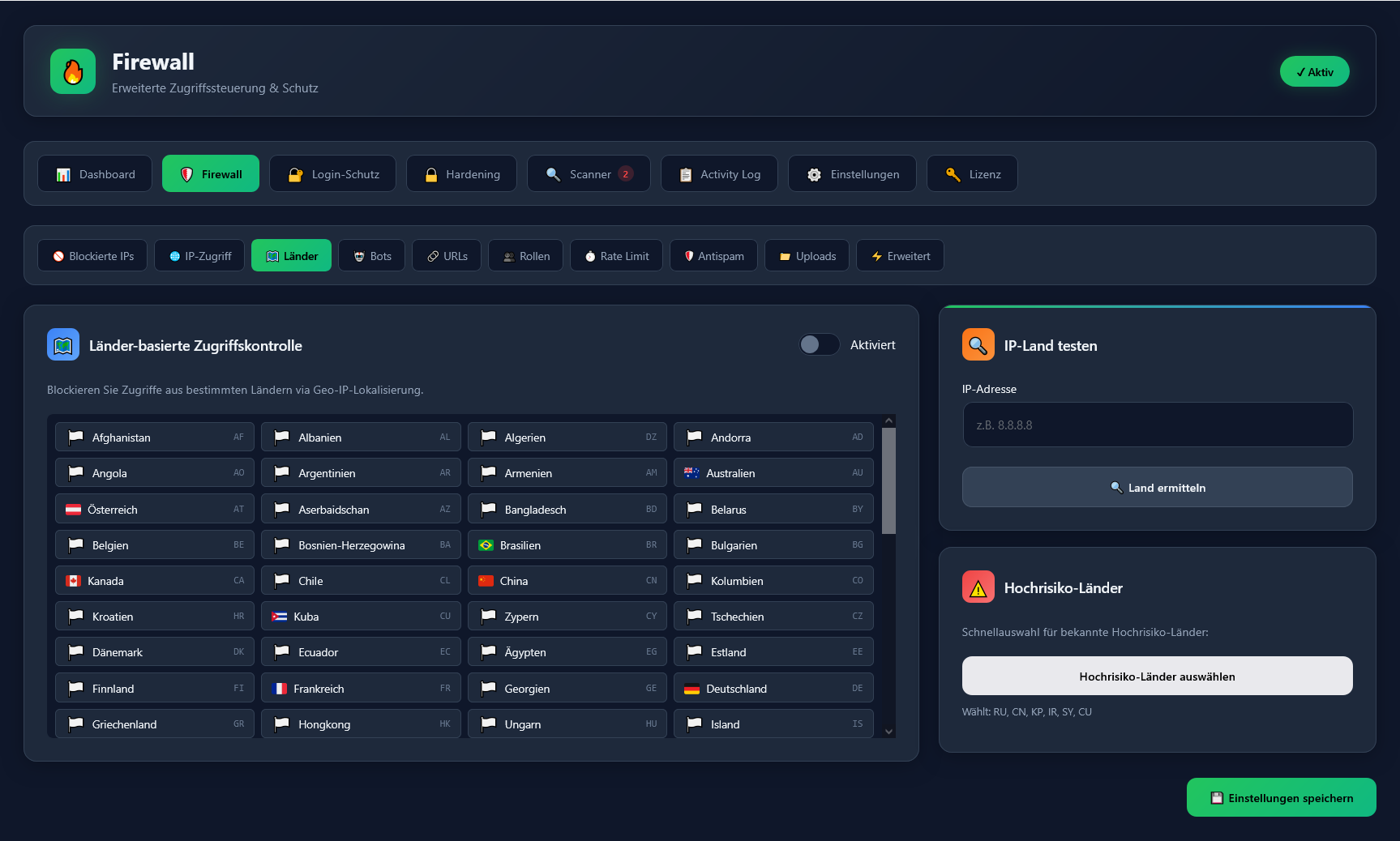
Geo-blocking allows you to block website access from specific countries. SafetyPress uses IP geolocation to determine visitor locations and can block traffic from 70+ countries. You can quickly block high-risk countries (Russia, China, North Korea, Iran, Syria, Cuba) with one click.
How does Rate Limiting protect my website?
+
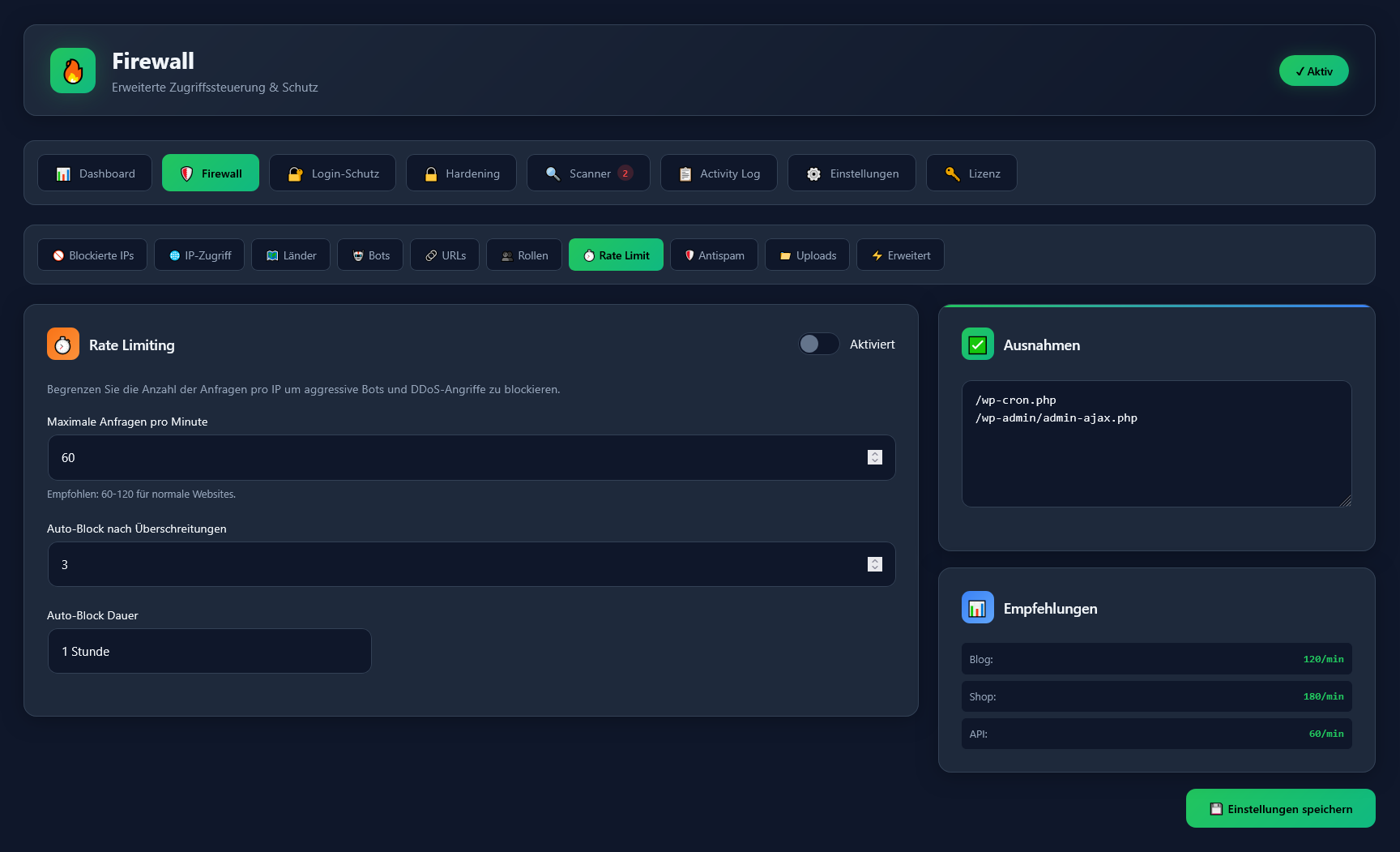
Rate limiting restricts the number of requests a single IP address can make per minute. When the limit is exceeded, the IP is automatically blocked. This protects against DDoS attacks, brute-force attempts, and aggressive bots that could overload your server.
What is the Live Traffic Monitor?
+
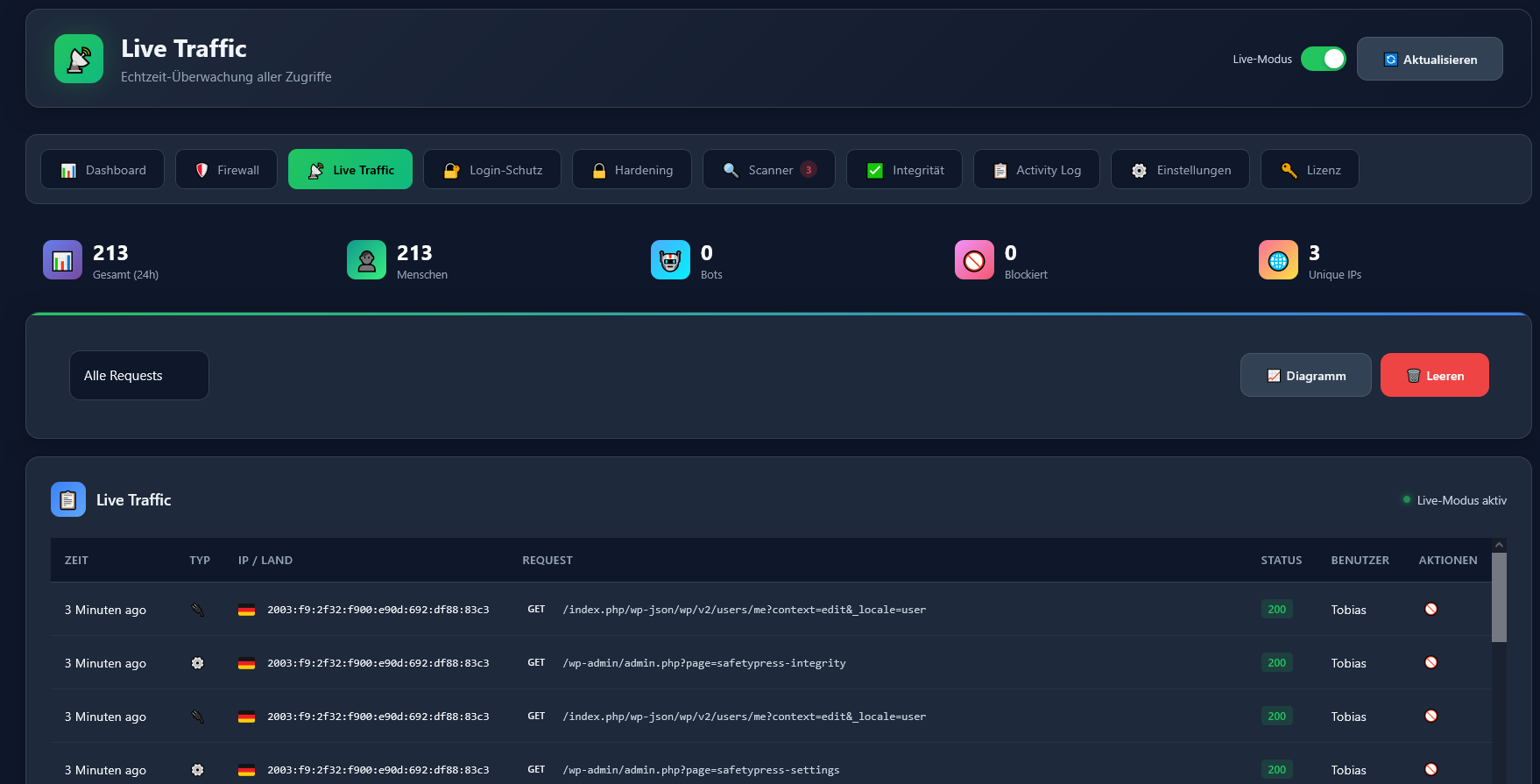
The Live Traffic Monitor shows real-time website traffic including visitor IPs, countries, requested URLs, HTTP status codes, user agents, and logged-in users. It helps you identify suspicious activity, blocked attacks, and traffic patterns instantly.
What is File Guard?
+
File Guard monitors access to recently modified PHP files. If someone tries to access a PHP file that was changed within a configurable time window, SafetyPress alerts you. This helps detect attackers who upload malicious files and immediately try to execute them.
What is the Upload Security feature?
+
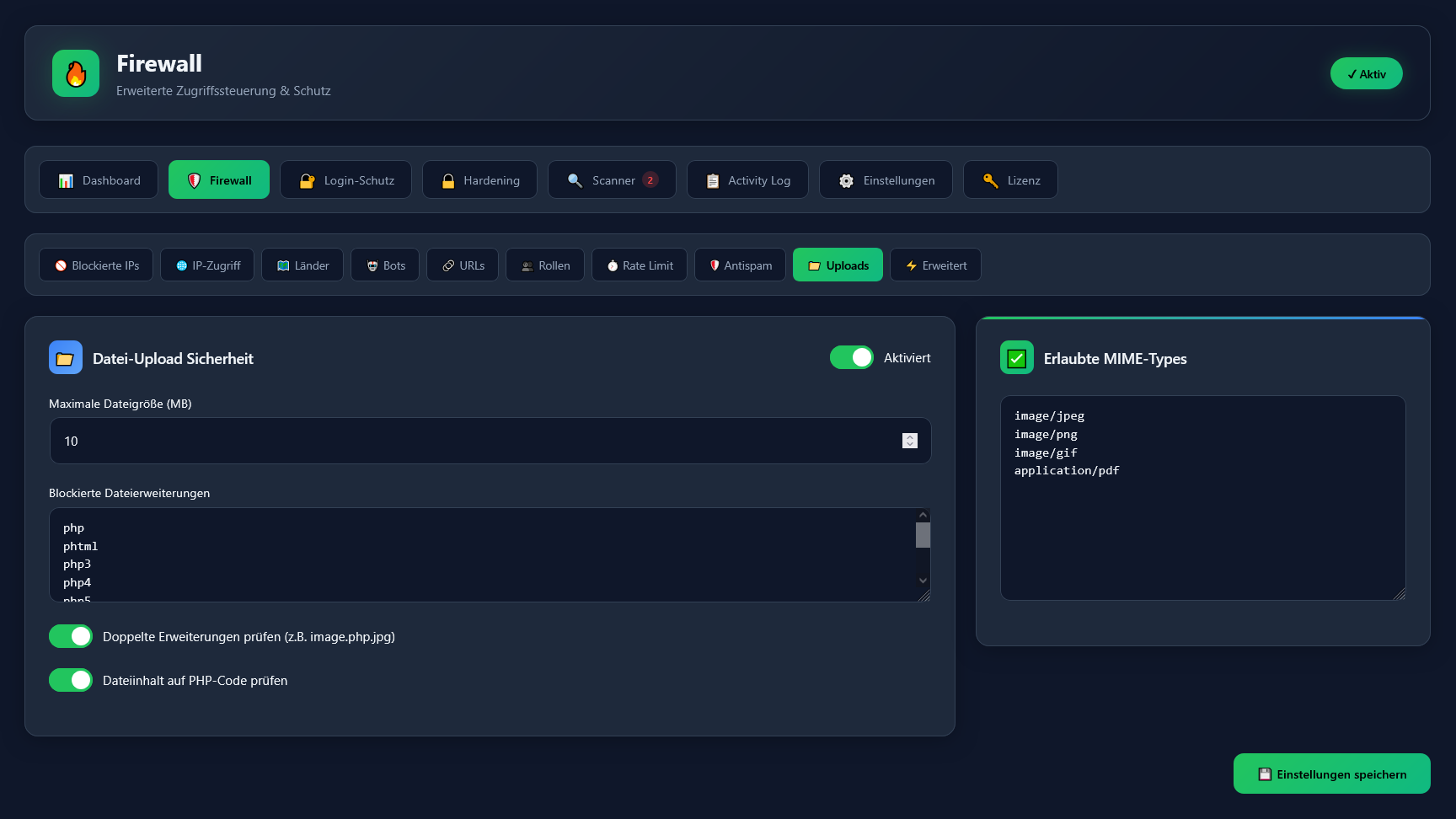
Upload Security checks all file uploads for dangerous content. It verifies file extensions, validates MIME types, and scans for hidden PHP code in images or documents. Files that fail these checks are automatically blocked, preventing attackers from uploading malicious files.
How does the malware scanner work?
+
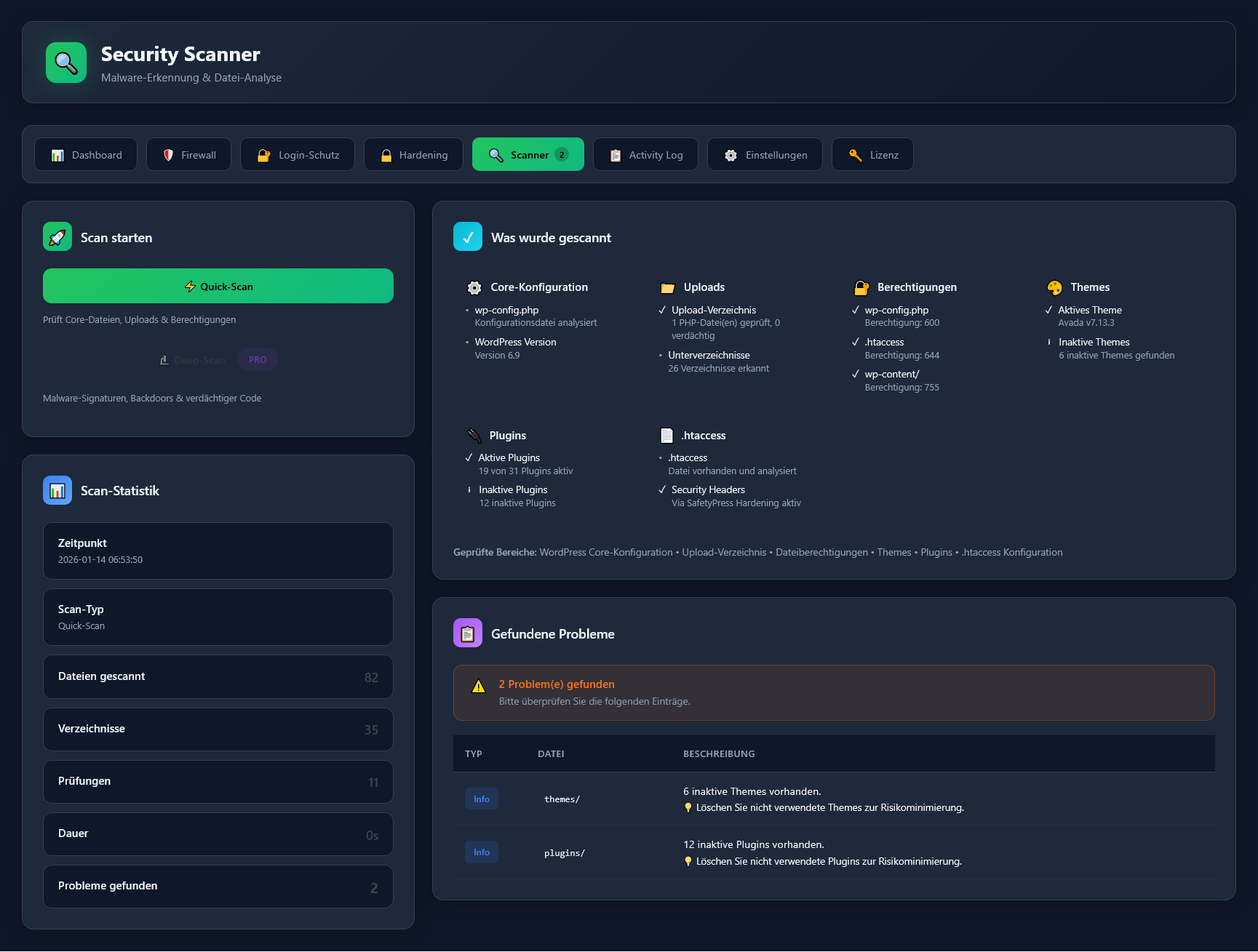
The malware scanner performs deep scans of your WordPress installation, checking for known malware signatures, backdoors, suspicious code patterns, and obfuscated PHP code. It scans core files, themes, plugins, and the uploads folder. Pro users can schedule automatic scans daily or weekly.
What is the Core Integrity Check?
+
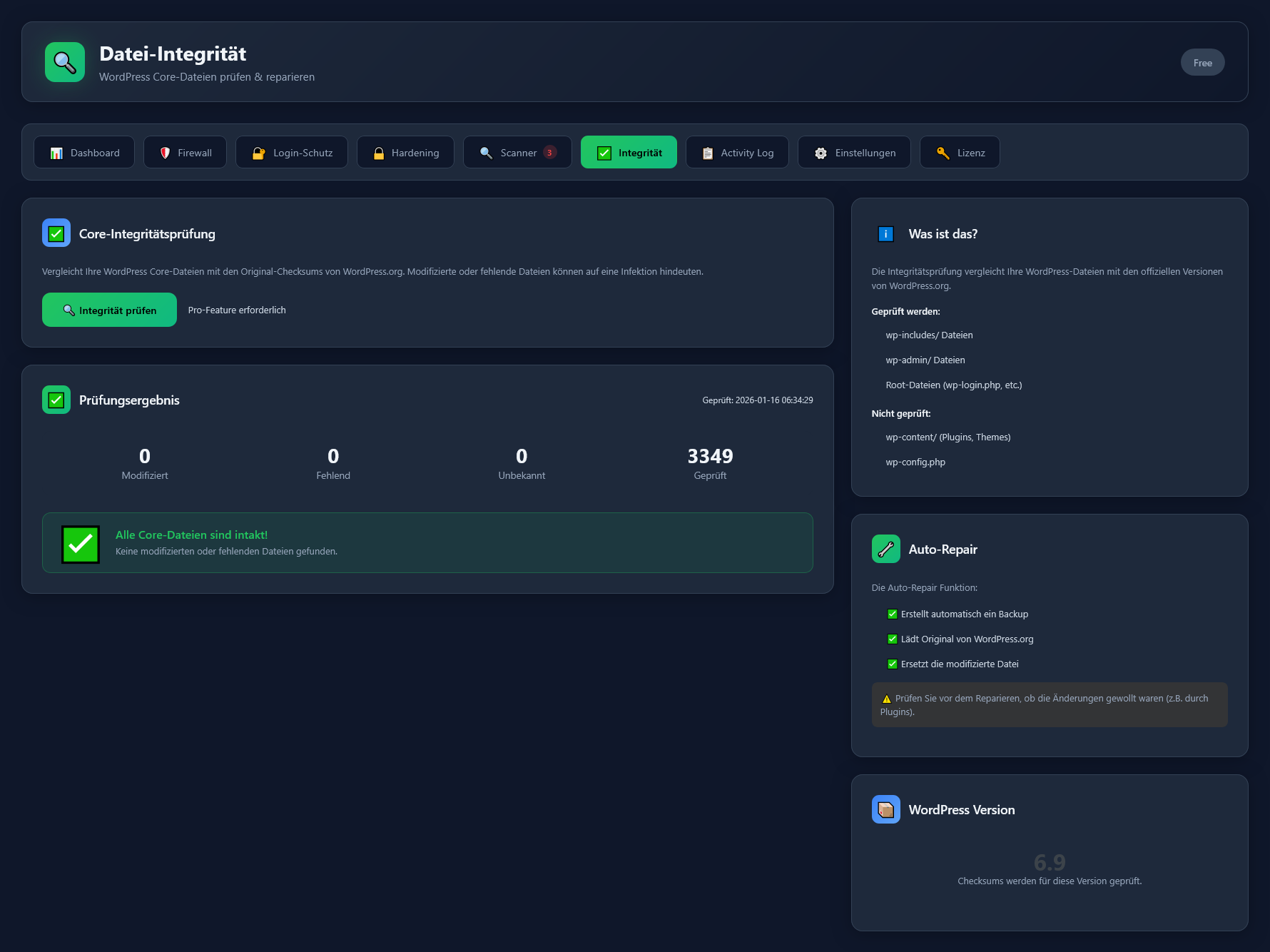
The Core Integrity Check compares all WordPress core files (3,300+ files) against official checksums from WordPress.org. It detects modified, missing, or added files. The auto-repair feature can restore corrupted core files with one click, including automatic backup before repair.
How do scheduled scans work?
+
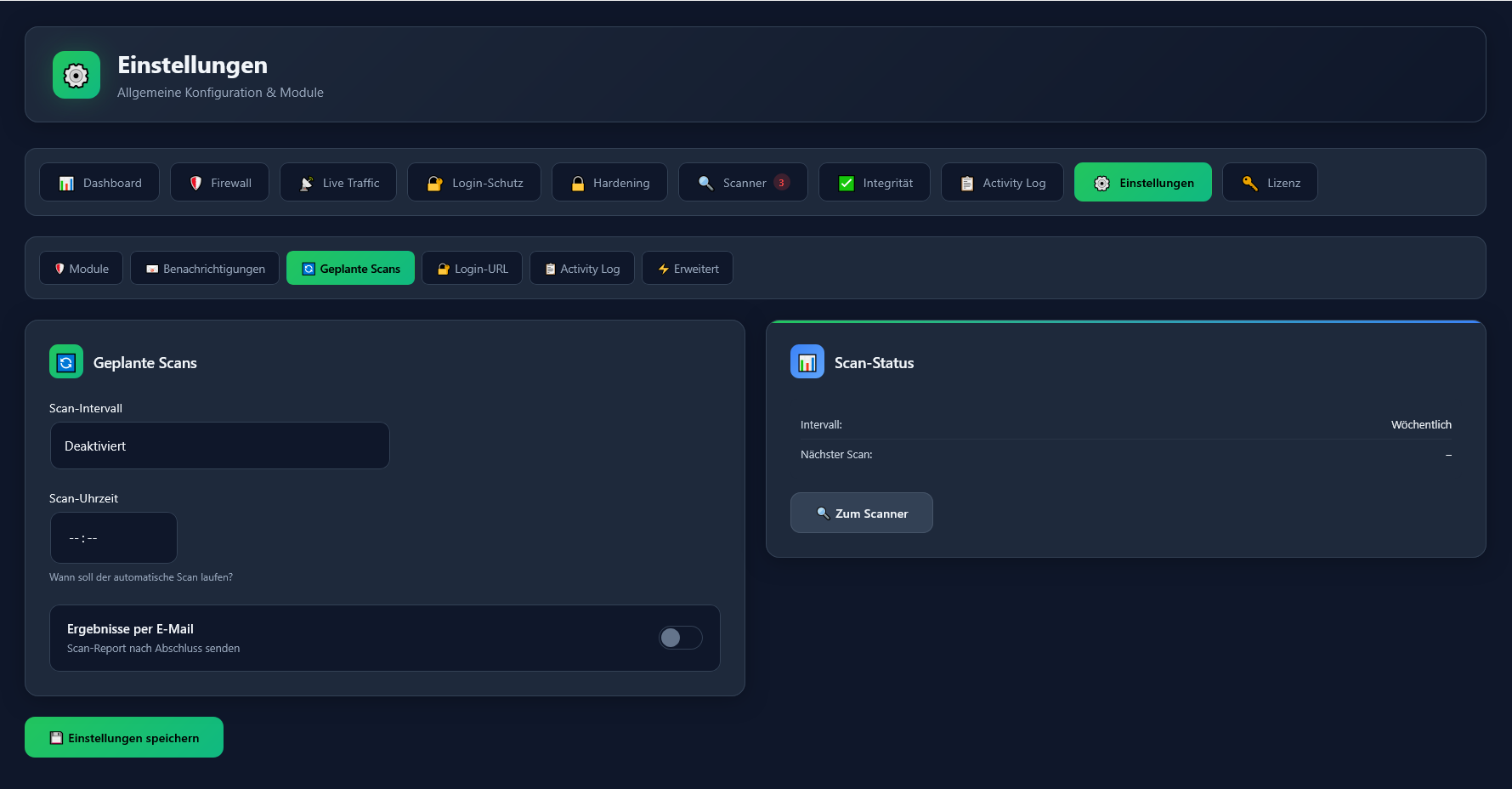
With SafetyPress Pro, you can schedule automatic malware scans to run daily or weekly at a time you choose. After each scan completes, you receive an email report with the results. This ensures your website is continuously monitored without manual intervention.
Can I change the WordPress login URL?
+
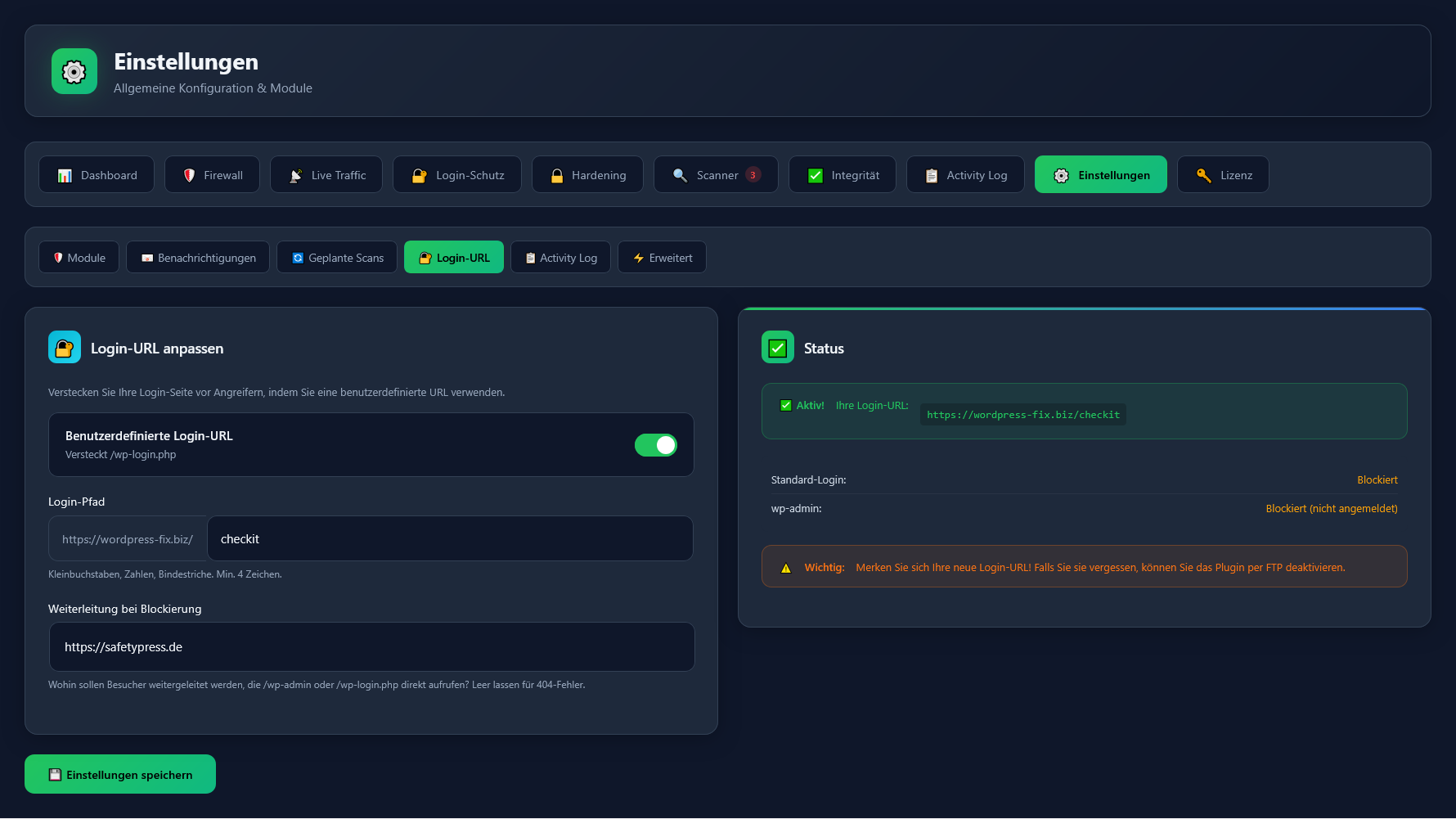
Yes, with SafetyPress Pro you can set a custom login URL (e.g., /my-secret-login) instead of the default /wp-login.php. Direct access to wp-login.php and wp-admin is blocked with a 404 error, which significantly reduces brute-force attacks.
How does Two-Factor Authentication (2FA) work?
+
SafetyPress Pro supports TOTP-based two-factor authentication. Users scan a QR code with apps like Google Authenticator, Authy, or Microsoft Authenticator. After entering their password, they must provide a 6-digit code from their authenticator app, adding an extra security layer.
What should I do if I get locked out?
+
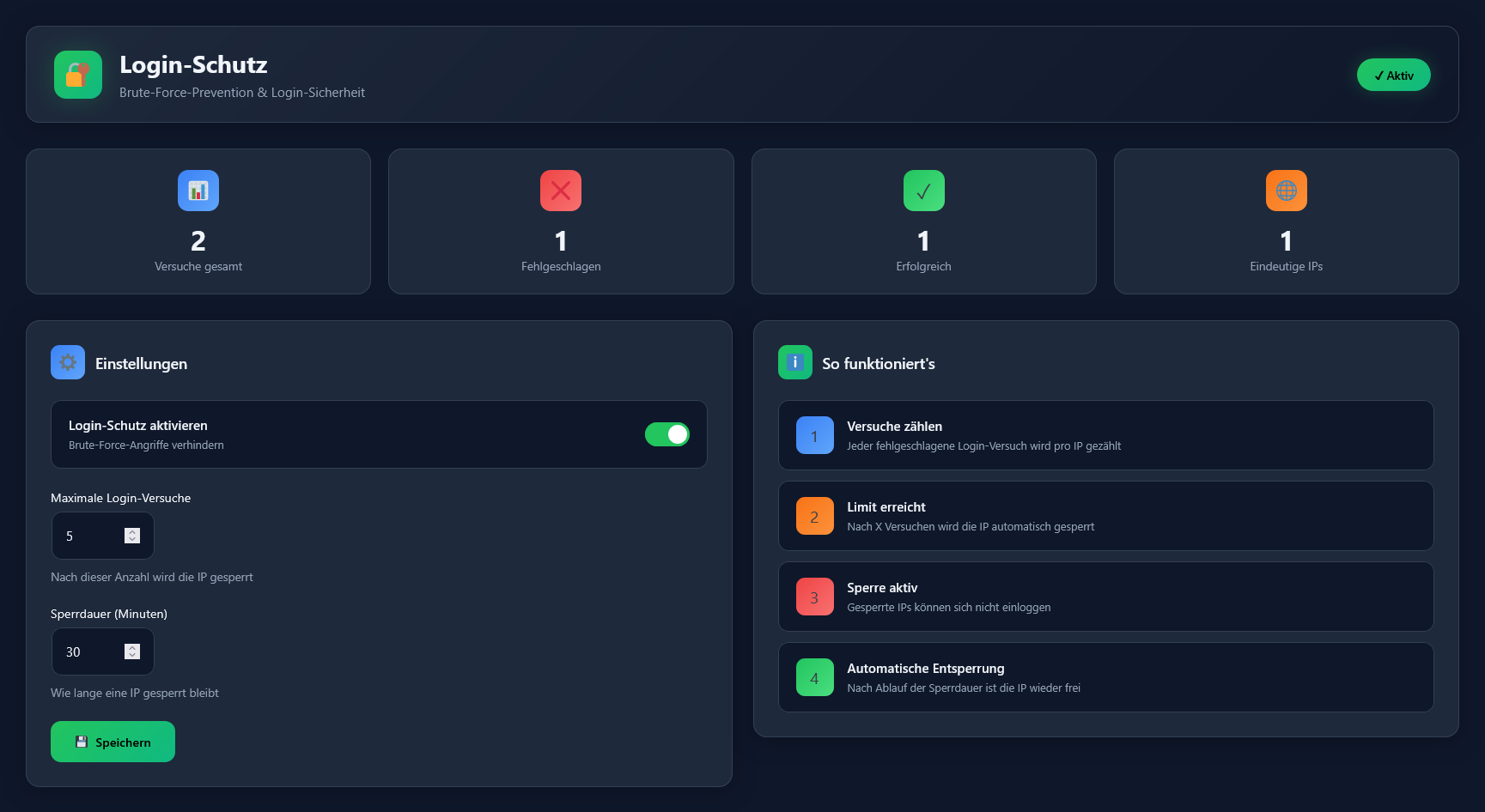
If you're locked out due to failed login attempts, wait for the lockout period to expire (default: 30 minutes). If you forgot your custom login URL, access your site via FTP/SFTP, navigate to wp-content/plugins/, and rename the safetypress folder temporarily to disable the plugin.
What does WooCommerce Fraud Protection do?
+
WooCommerce Fraud Protection uses a scoring system to detect suspicious orders. It checks for disposable email addresses, country mismatches between billing address and IP location, VPN/proxy usage, and multiple failed payment attempts. High-risk orders can be flagged or blocked automatically.
What is logged in the Activity Log?
+
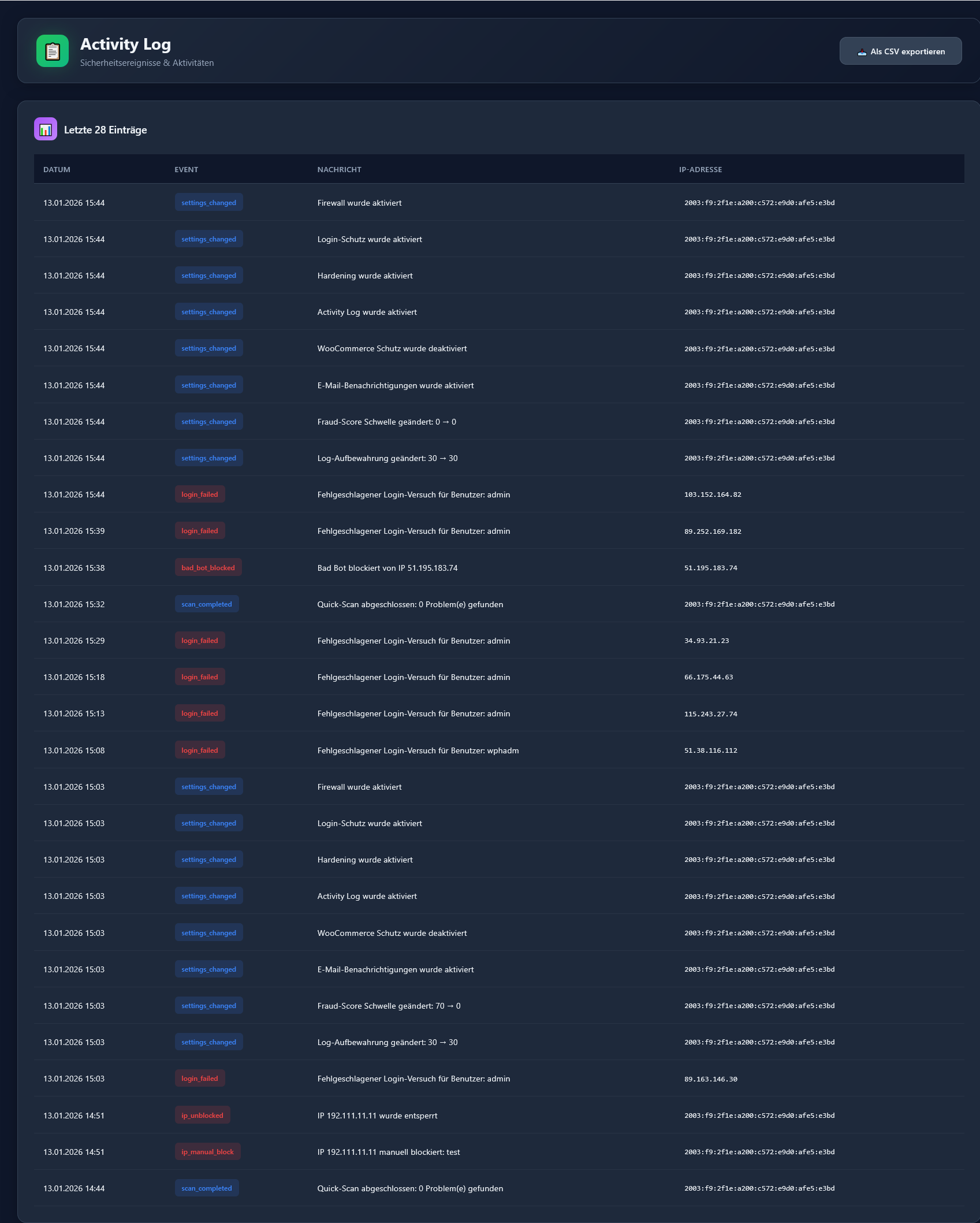
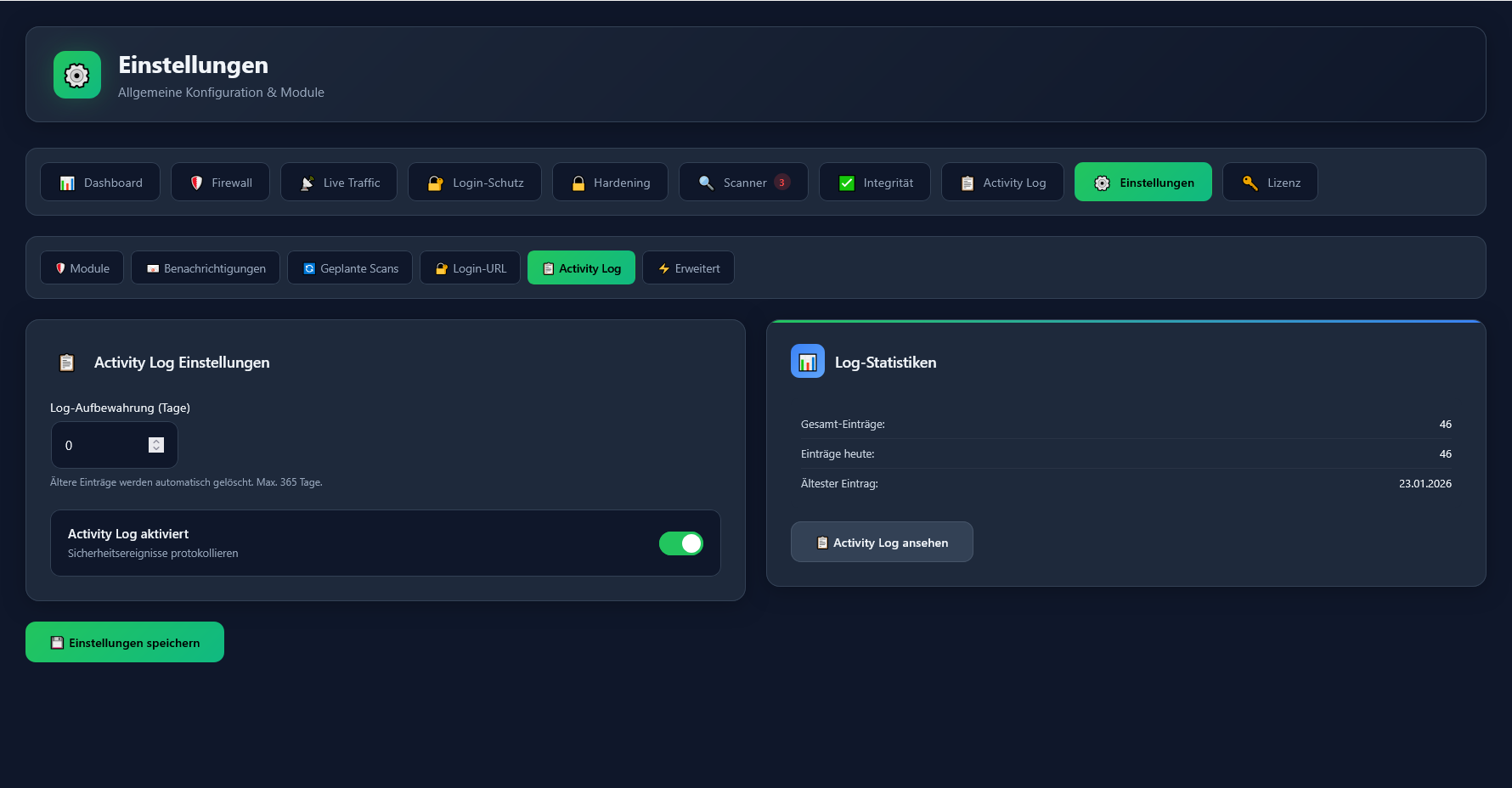
The Activity Log records all security events: successful and failed logins, IP blocks, firewall blocks (SQL injection, XSS, geo-blocking, rate limiting, etc.), malware scan results, settings changes, plugin activations, user registrations, and password changes. All events include IP address, timestamp, and details.
Can I configure Activity Log retention?
+
Yes, in SafetyPress Pro you can configure how long the Activity Log is stored: 7 days, 30 days, 90 days, or unlimited. You can also export logs to CSV for external analysis or compliance requirements.
What email notifications does SafetyPress send?
+
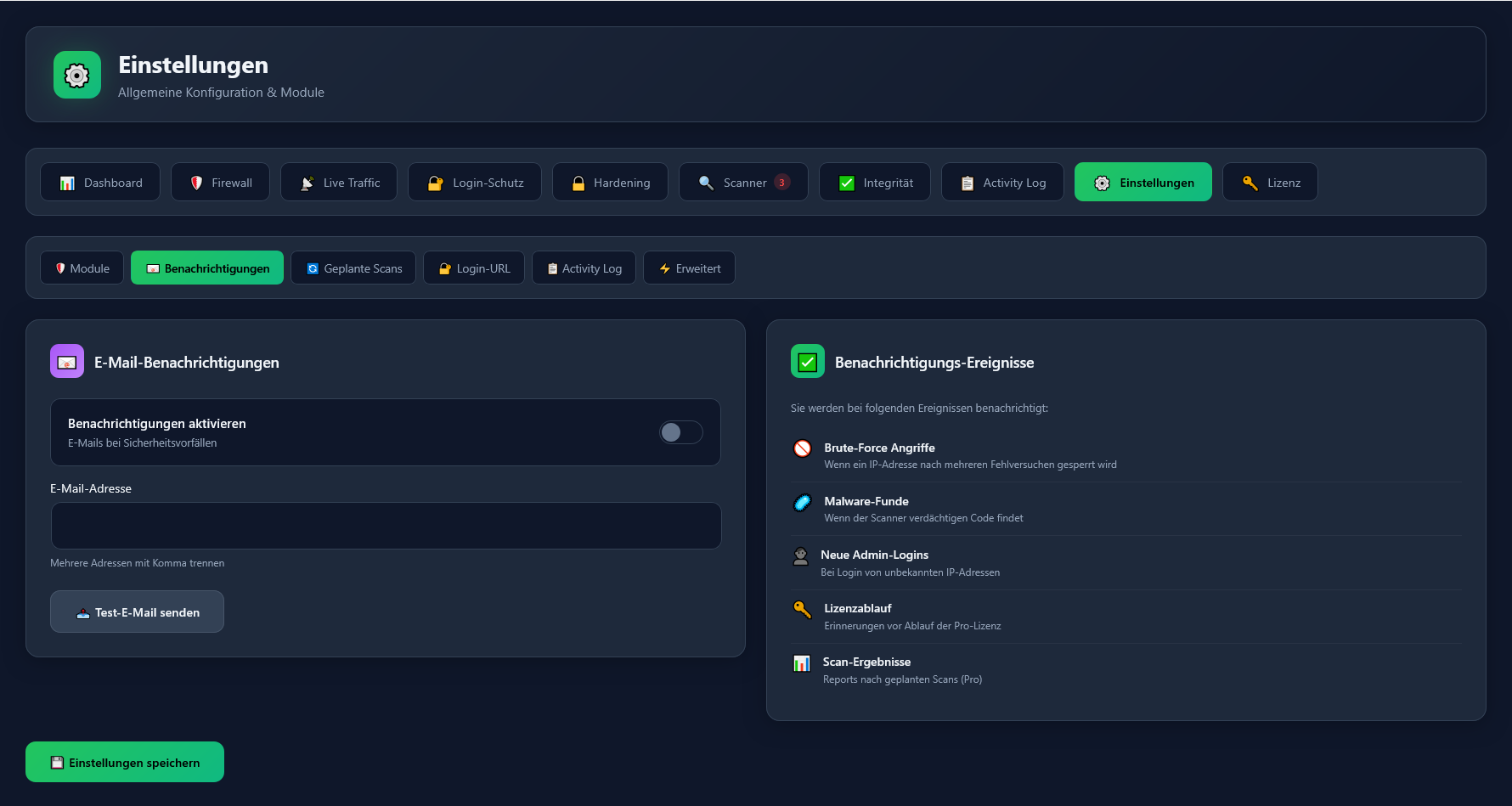
SafetyPress can notify you about brute-force attacks, malware findings, admin logins from unknown IPs, blocked firewall attacks, license expiry warnings, and scheduled scan results. Pro includes a test email function to verify your email configuration.
Does SafetyPress work with WordPress Multisite?
+
Yes, SafetyPress is compatible with WordPress Multisite installations. The plugin can be network-activated to protect all sites in the network with centralized settings and logging.
Does SafetyPress work with caching plugins?
+
Yes, SafetyPress is compatible with all major caching plugins including WP Rocket, W3 Total Cache, LiteSpeed Cache, WP Super Cache, and others. The firewall operates at the PHP level before caching, ensuring all requests are properly checked.
Can I use SafetyPress with Cloudflare?
+
Yes, SafetyPress works perfectly with Cloudflare and other CDN/proxy services. It automatically detects real visitor IPs from Cloudflare headers, ensuring accurate IP-based blocking, rate limiting, and logging.
Will SafetyPress conflict with other security plugins?
+
We recommend using only one security plugin to avoid conflicts and redundant processing. If you're switching from another security plugin (Wordfence, Sucuri, iThemes Security, etc.), deactivate it before activating SafetyPress. SafetyPress provides comprehensive protection on its own.
What are the system requirements?
+
SafetyPress requires PHP 7.4 or higher (PHP 8.0+ recommended) and WordPress 5.6 or higher. The plugin is fully tested with PHP 8.0, 8.1, 8.2, and 8.3. We always recommend keeping your WordPress and PHP version up to date for maximum security.
How do I install SafetyPress?
+
Download the SafetyPress ZIP file, go to your WordPress dashboard → Plugins → Add New → Upload Plugin, select the ZIP file and click Install Now. After installation, activate the plugin. SafetyPress automatically enables basic protection. For Pro features, enter your license key in the settings.
Can I whitelist specific IPs?
+
Yes, SafetyPress Pro allows you to whitelist specific IP addresses or IP ranges using CIDR notation (e.g., 192.168.1.0/24) or wildcards (e.g., 192.168.1.*). Whitelisted IPs bypass firewall checks, which is useful for your office IP or trusted services.
Does SafetyPress add security headers?
+
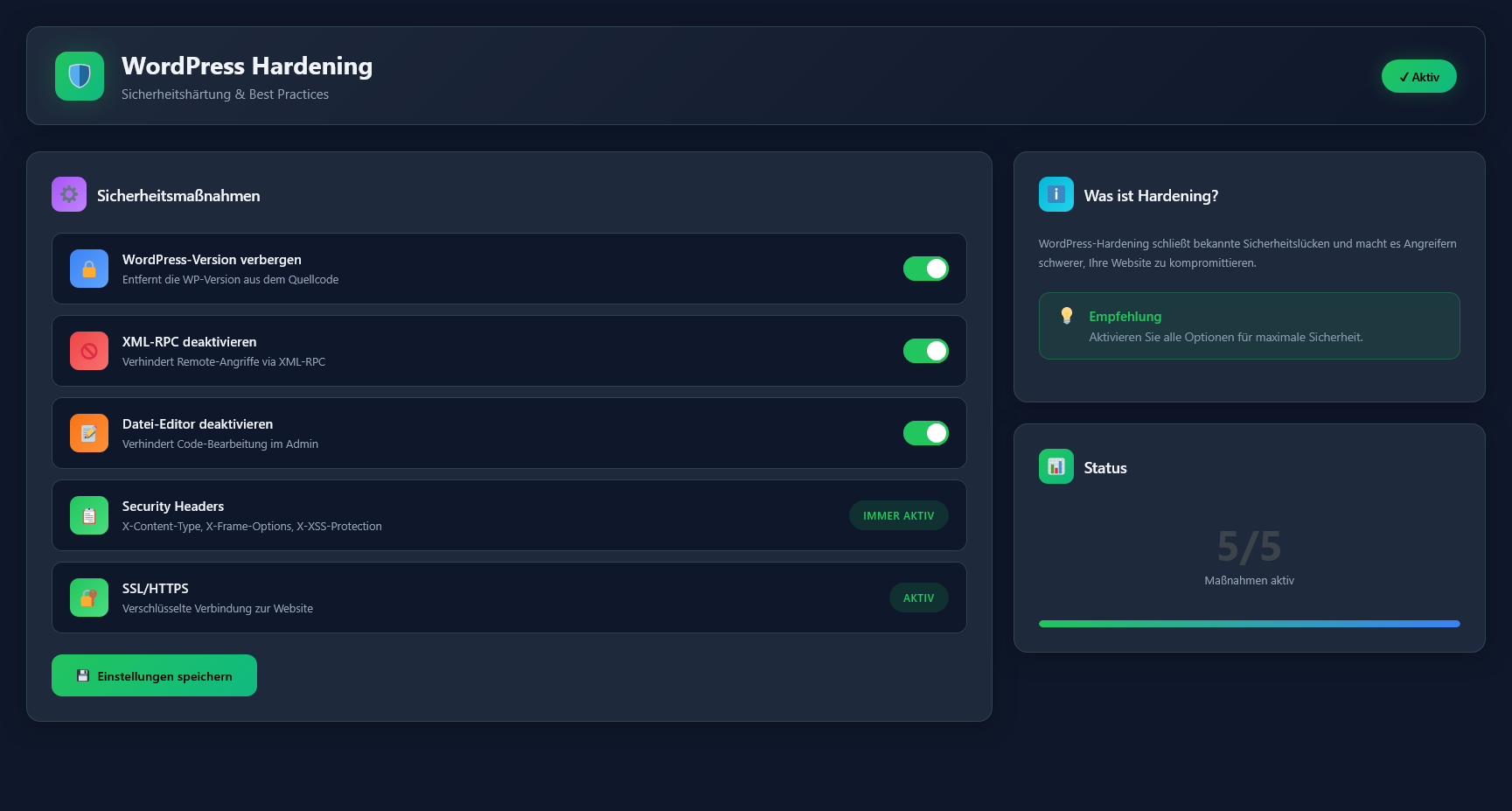
Yes, SafetyPress can add important HTTP security headers including X-Content-Type-Options, X-Frame-Options (clickjacking protection), X-XSS-Protection, Referrer-Policy, and Permissions-Policy. These headers provide additional browser-level protection.
What happens when my license expires?
+
Your website stays protected! When your license expires, you will no longer receive updates and Pro features will be deactivated, but basic protection (firewall, login protection, hardening) remains fully active.
Can I transfer my license to another website?
+
Yes. You can deactivate your license in the SafetyPress dashboard at any time and activate it on another website. This is useful when migrating websites or changing domains.
Is there a money-back guarantee?
+
Yes! We offer a 7-day money-back guarantee. If you're not satisfied with SafetyPress Pro, you'll get a full refund — no questions asked.
How do I get support?
+
Free users can contact us via the contact form on our website. Pro users receive priority support via email at support@safetypress.de. We typically respond within 24 hours on business days.